 Join our Discord
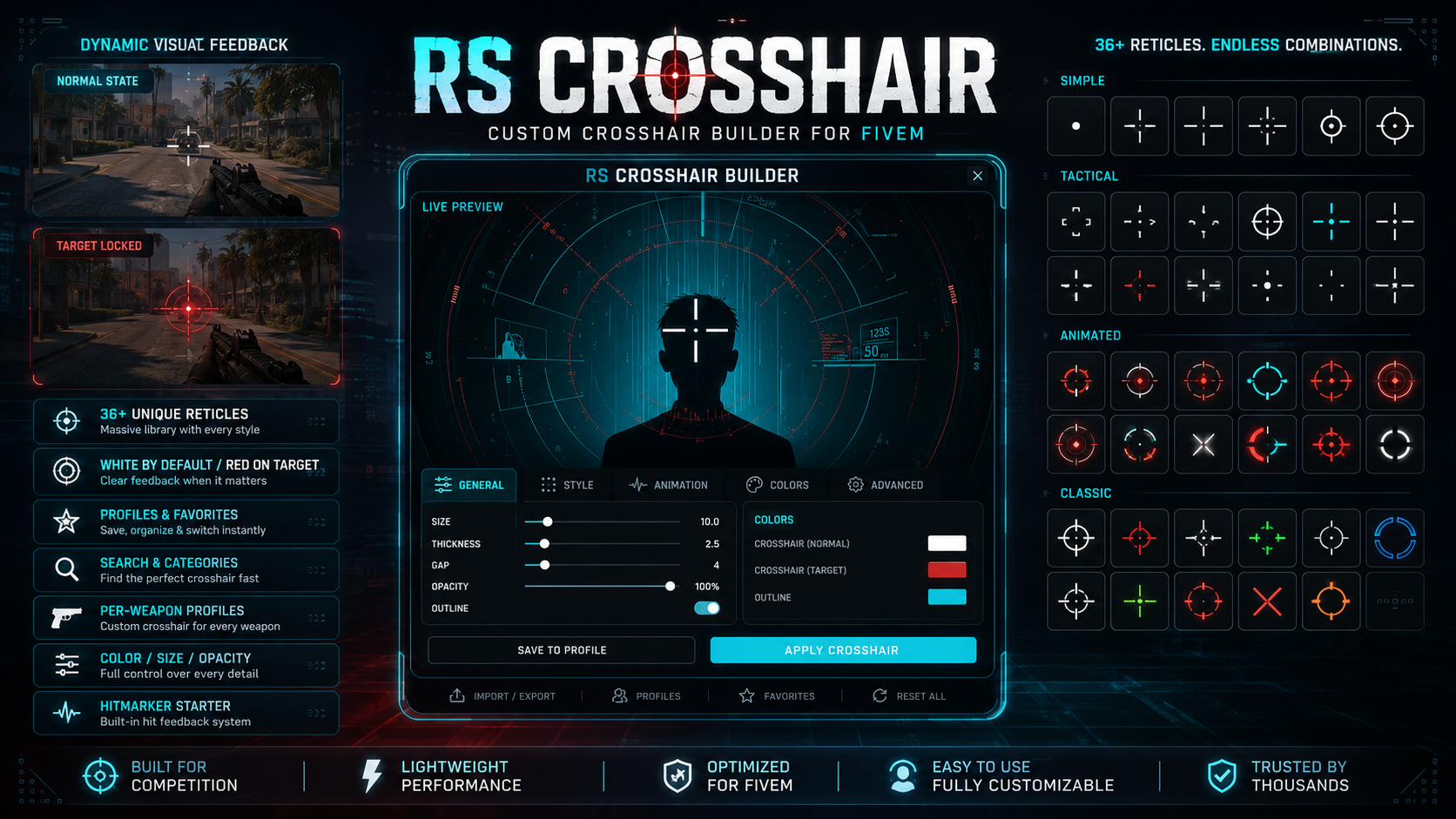
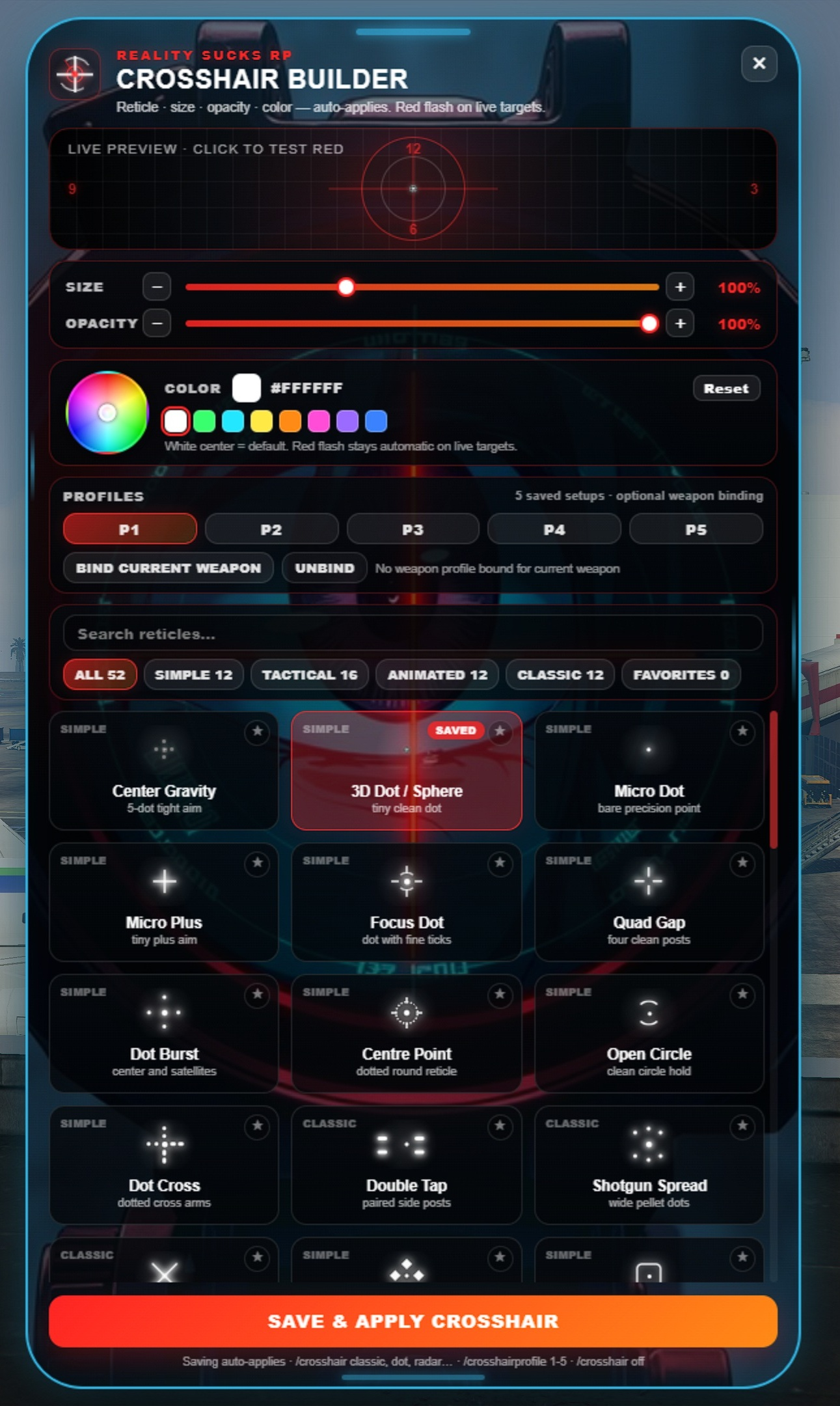
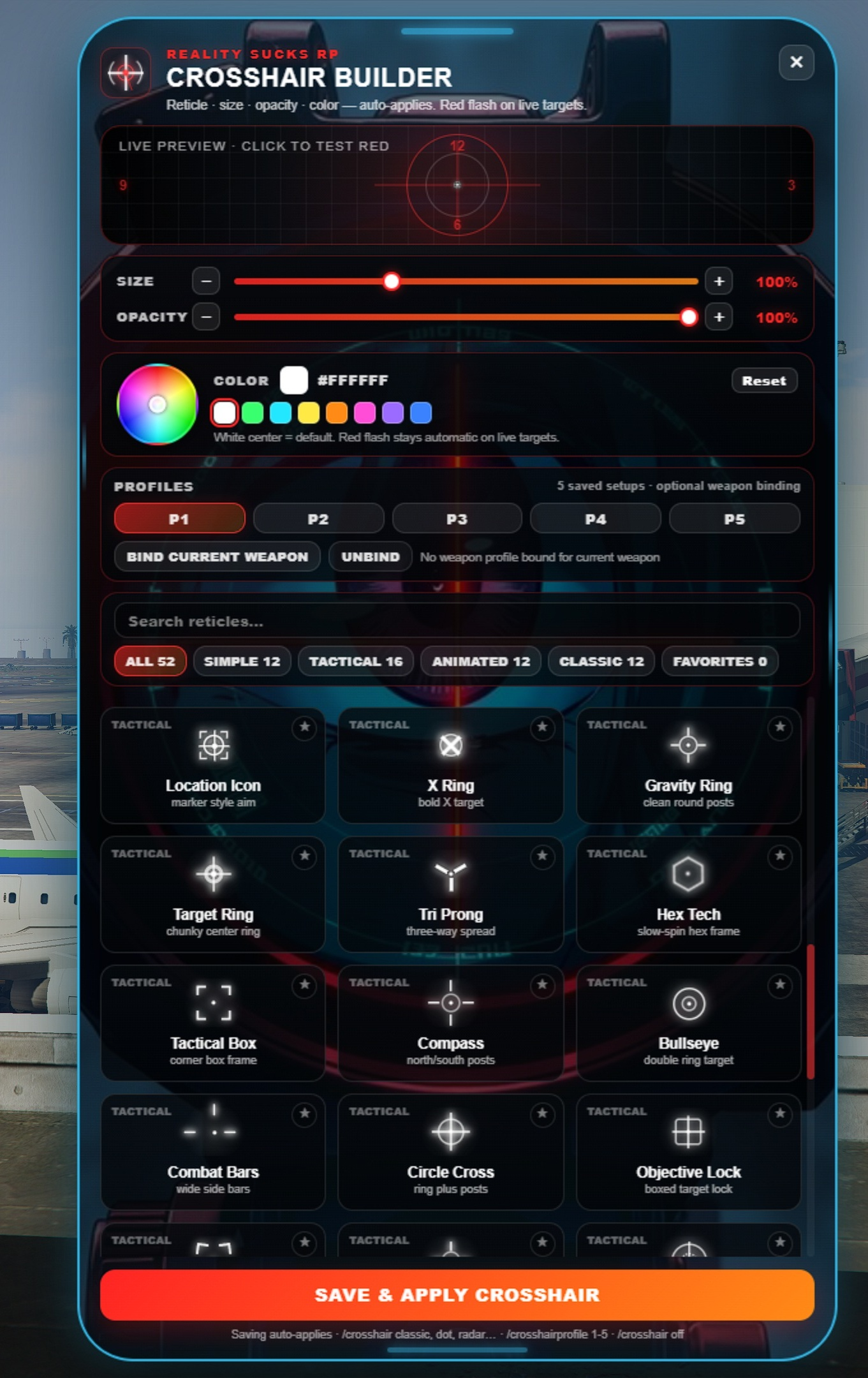
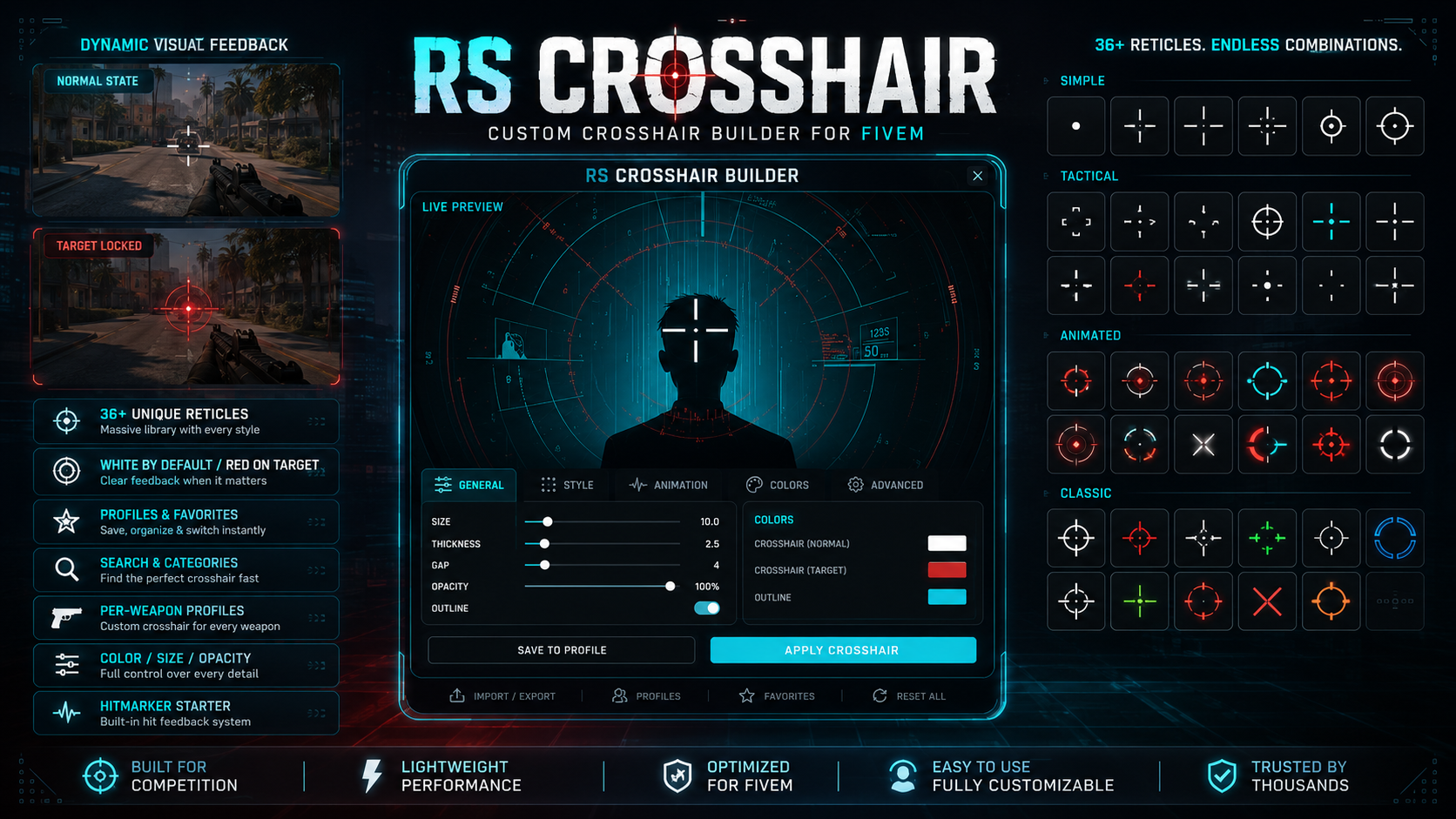
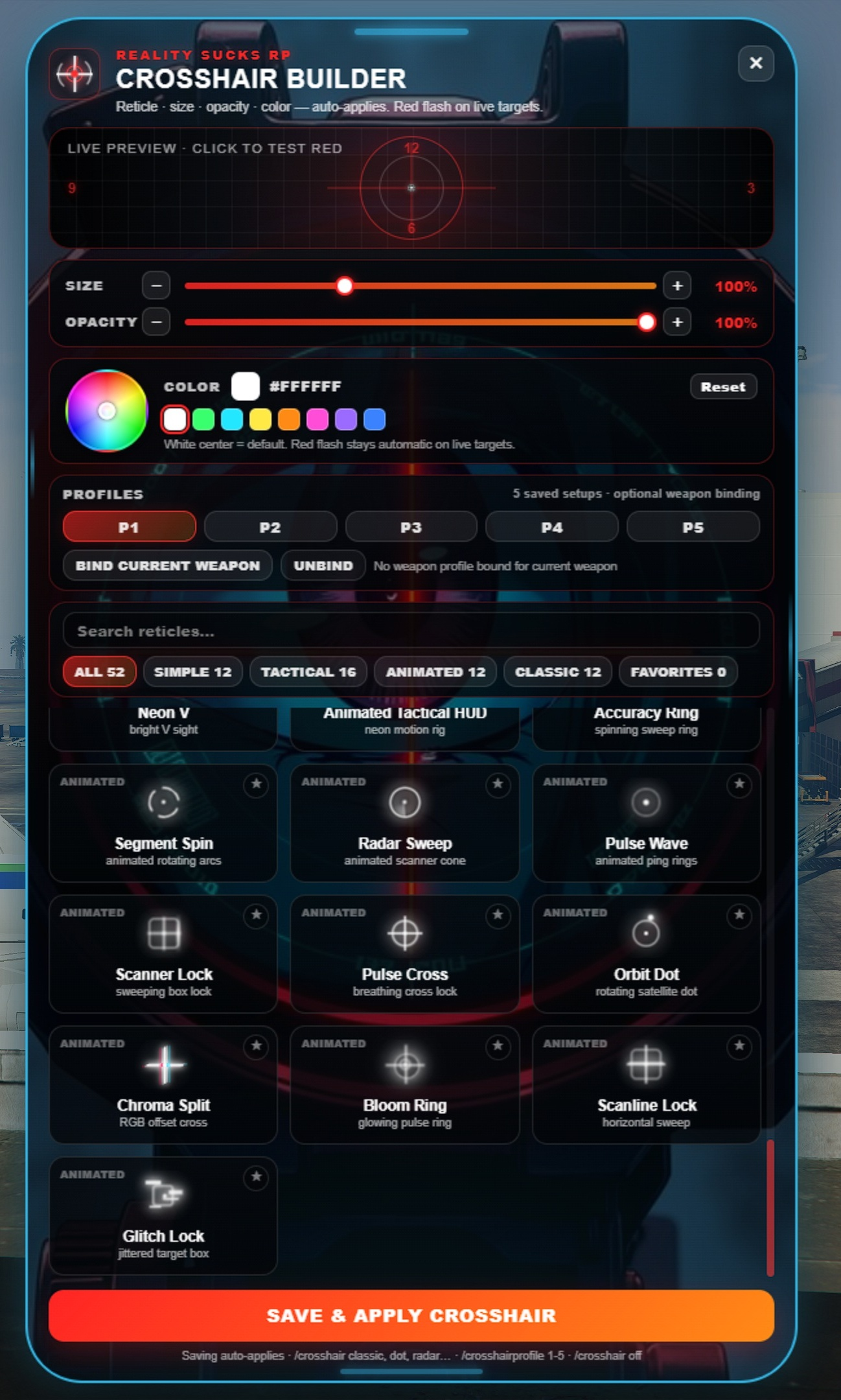
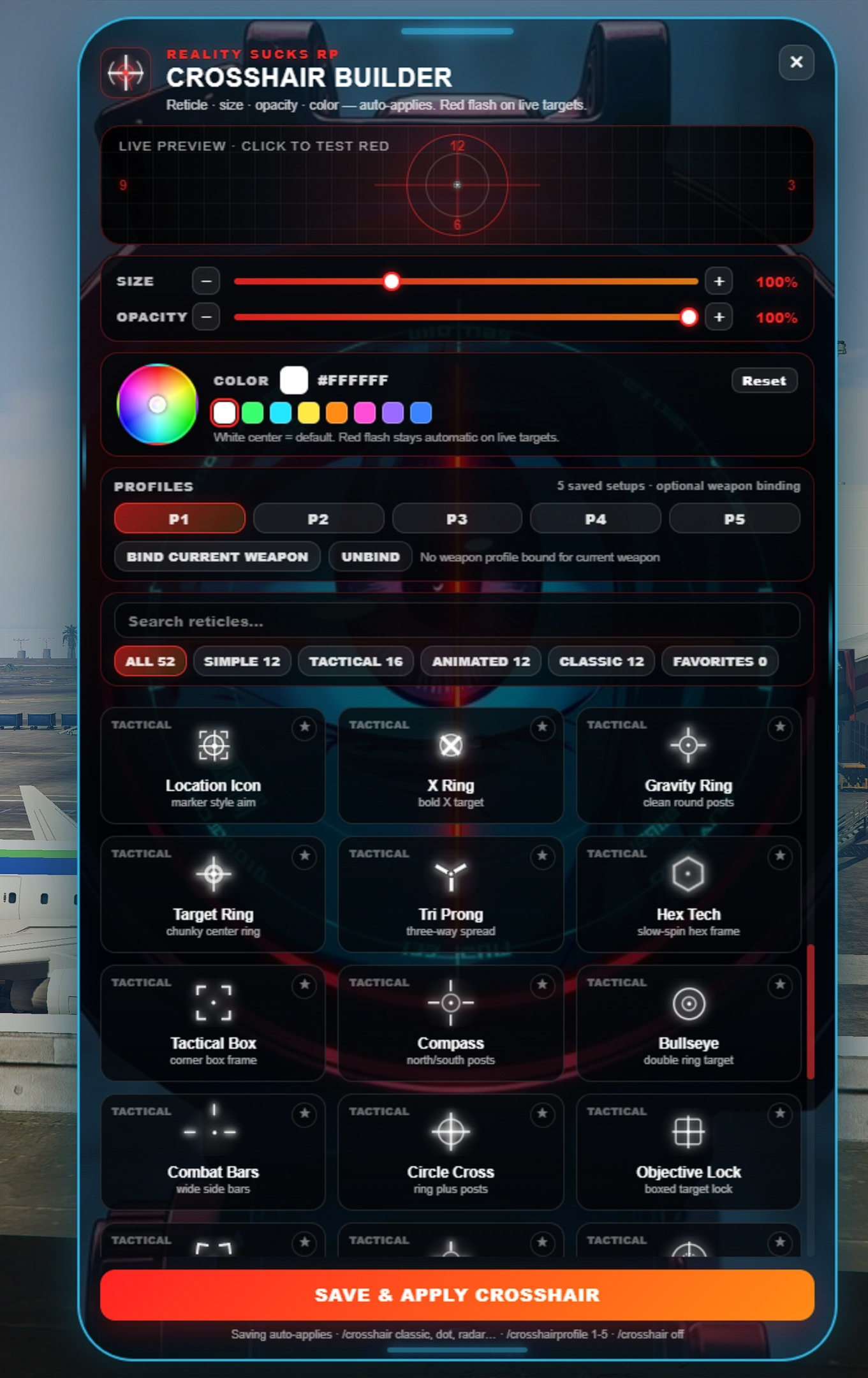
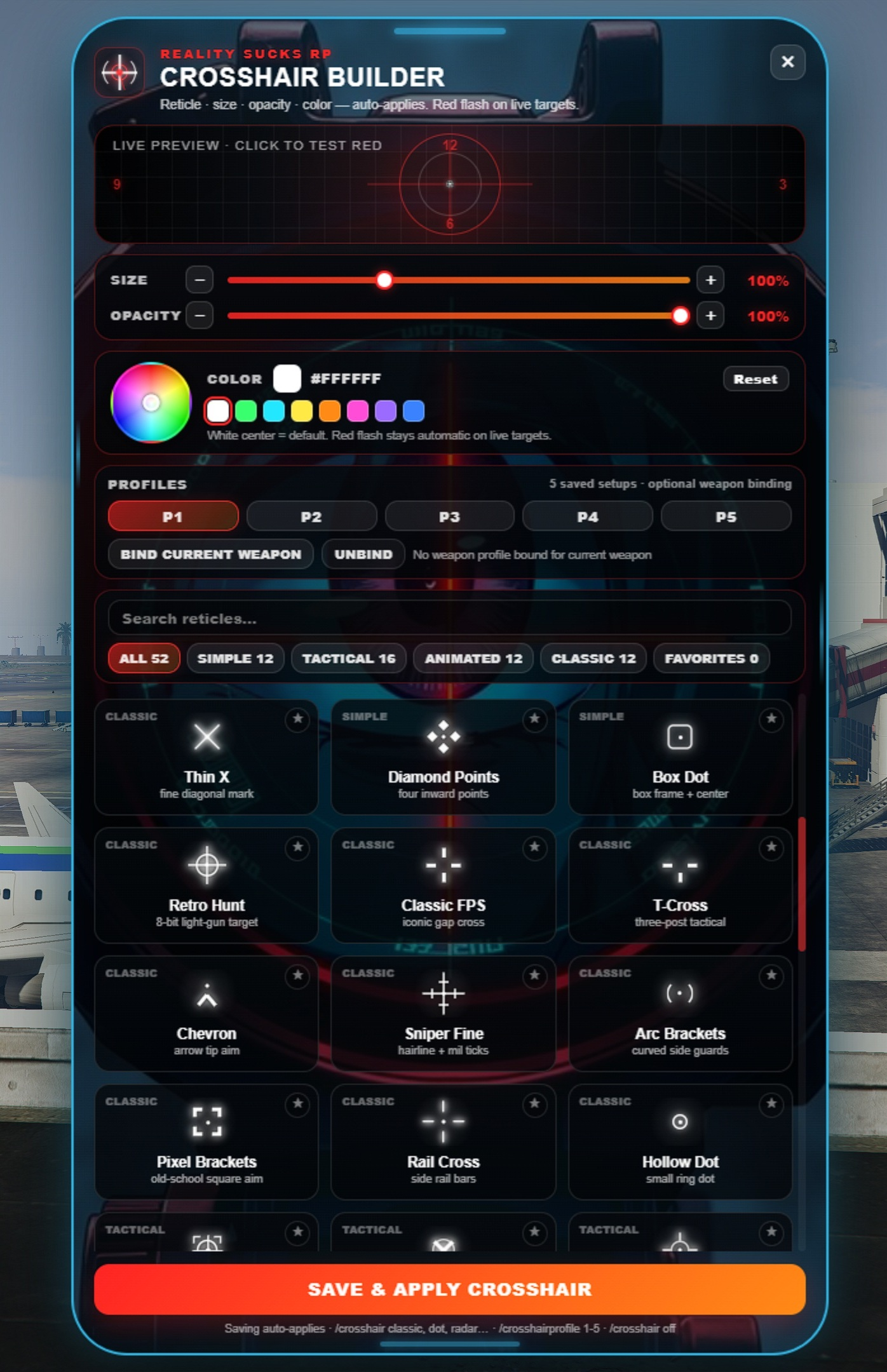
I hope this can help you throughout the RP experience. This builder has many crosshair situations that you can play with. This is a pretty helpful tool for building RP. Standalone FiveM crosshair builder with 52 CSS reticles, animated crosshair too, custom colors, size and opacity sliders, favorites, five saved profiles, optional weapon profile binding, and red live-target detection for NPCs, zombies, players, and occupied vehicles/aircraft.
Give players a clean in-game crosshair builder that feels premium without requiring ESX, QBCore, QBox, ox_lib, or a database.
Players open `/crosshairmenu`, choose a reticle, adjust size, opacity, and color, then save. The chosen crosshair applies instantly and persists after reconnects and server restarts. Normal aiming uses the player’s saved color, while live targets flash red when the player aims at NPCs, zombie peds, players, or occupied cars, trucks, boats, helicopters, planes, and other vehicles.
Highlights
52 CSS-only reticles with no broken image icons
Simple, Classic, Tactical, and Animated categories
Search/filter system
Favorites tab
Five saved profiles per player
Optional per-weapon profile switching
Color wheel, swatches, size slider, and opacity slider
Red live-target detection over NPCs, zombie peds, players, and vehicle/aircraft occupants
Empty vehicles, props, walls, ground, and dead peds do not trigger red
Auto-save and auto-apply workflow
Server-side JSON persistence, no database required
Configurable branding, colors, menu width, background image, default style, and per-reticle scale
Starter hitmarker and killmarker API for other combat resources
Standalone: works with ESX, QBCore, QBox, or vanilla servers
Tebex/Cfx Asset Escrow ready with editable `config.lua` and menu assets
Commands
```txt
/crosshairmenu
/crosshairui
/crosshair menu
/crosshair
/crosshair on
/crosshair off
/crosshairprofile 1-5
/crosshair \
```
Editable files
```txt
config.lua
README.md
LICENSE.md
html/assets/menu-background.png
html/assets/menu-bg-eye.jpg
```
Dependencies
None.
No database, no framework lock-in, no inventory dependency.
Installation
```cfg
ensure rs-crosshair
```
Drop the folder into resources, ensure it, and let players open `/crosshairmenu`.
Notes
Player settings are saved in `player_crosshair_settings.json`, which is created automatically on first save. Keep that file when updating a live server so players keep their saved profiles.