
 Join our Discord
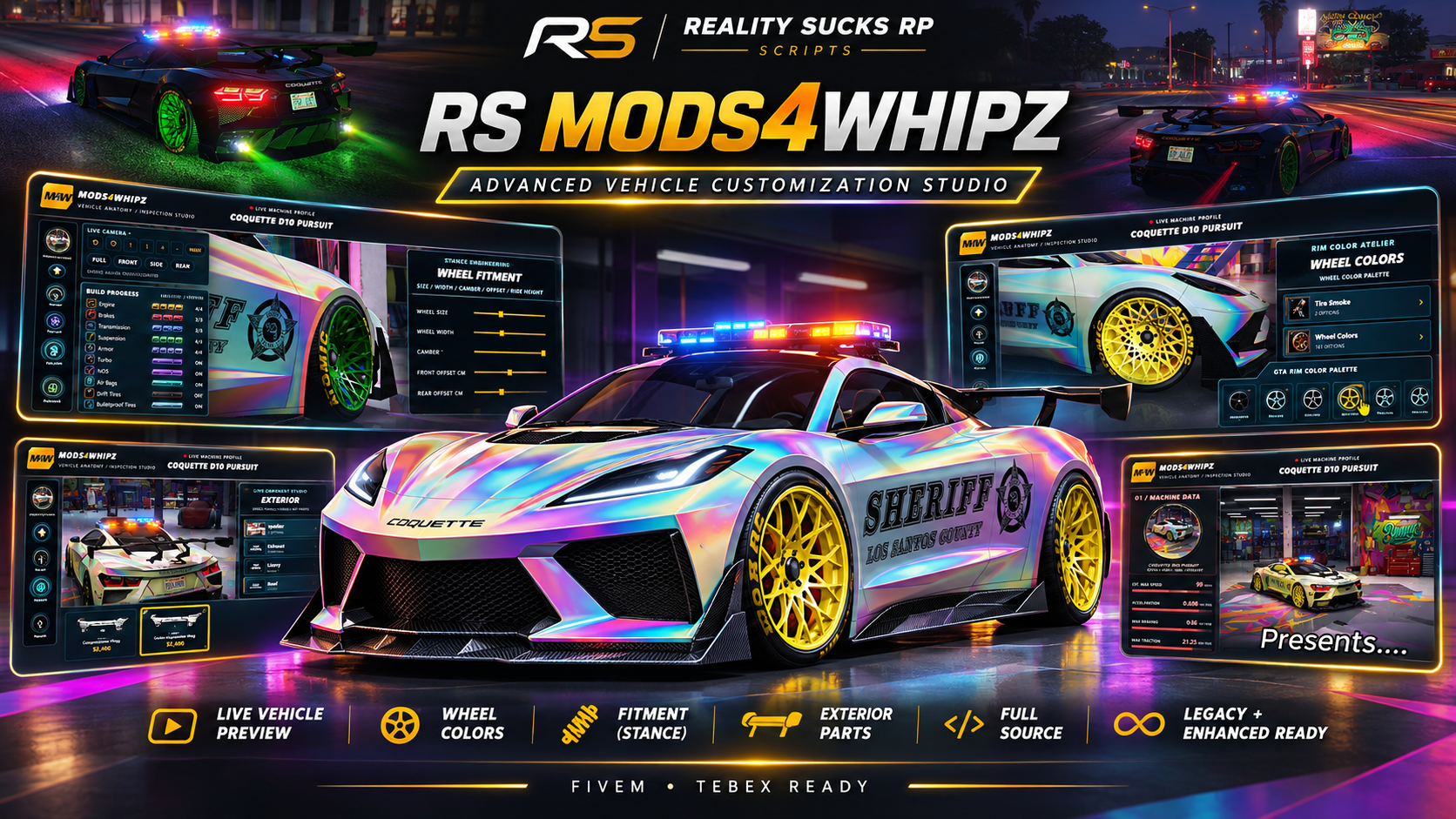
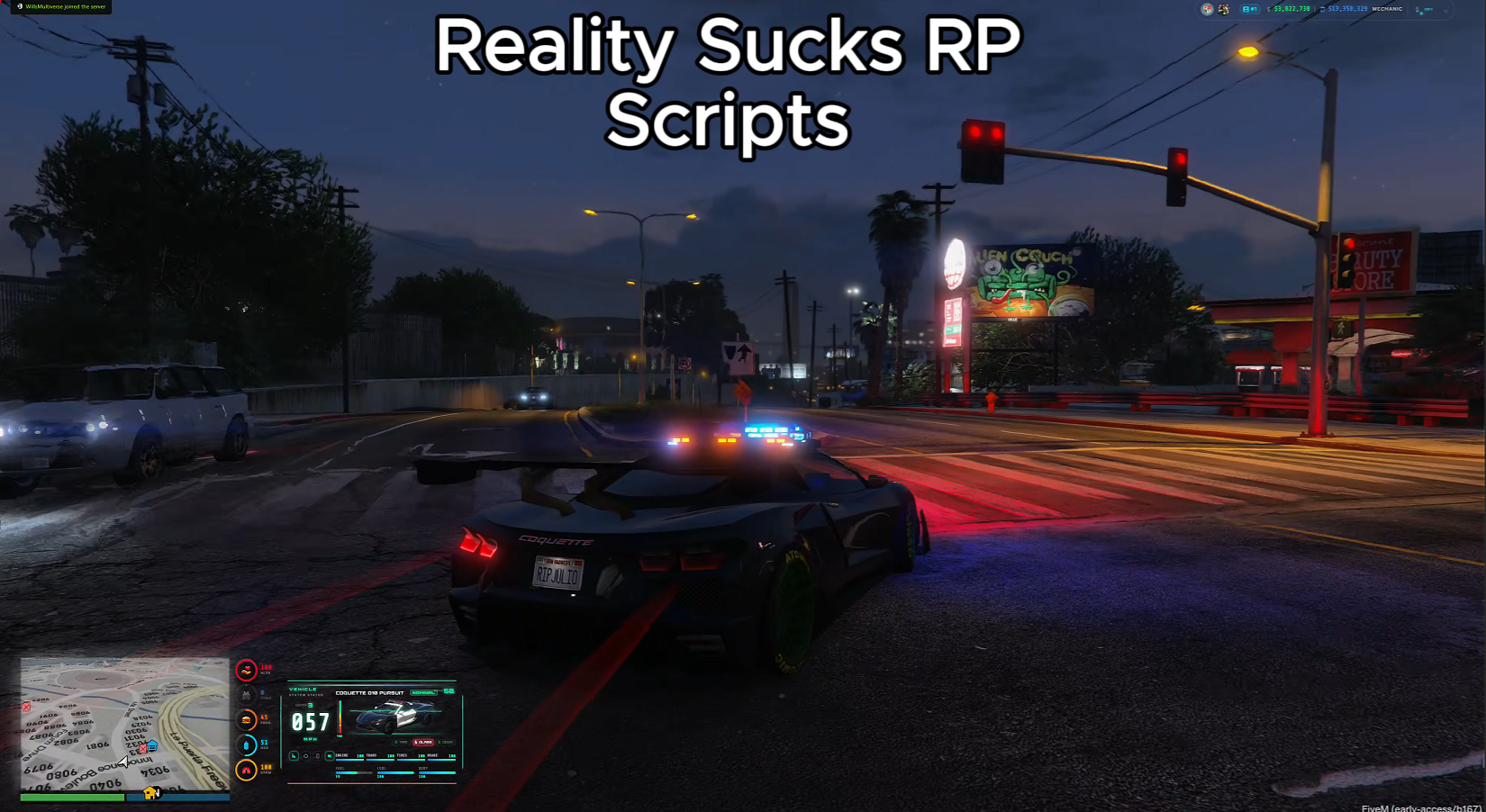
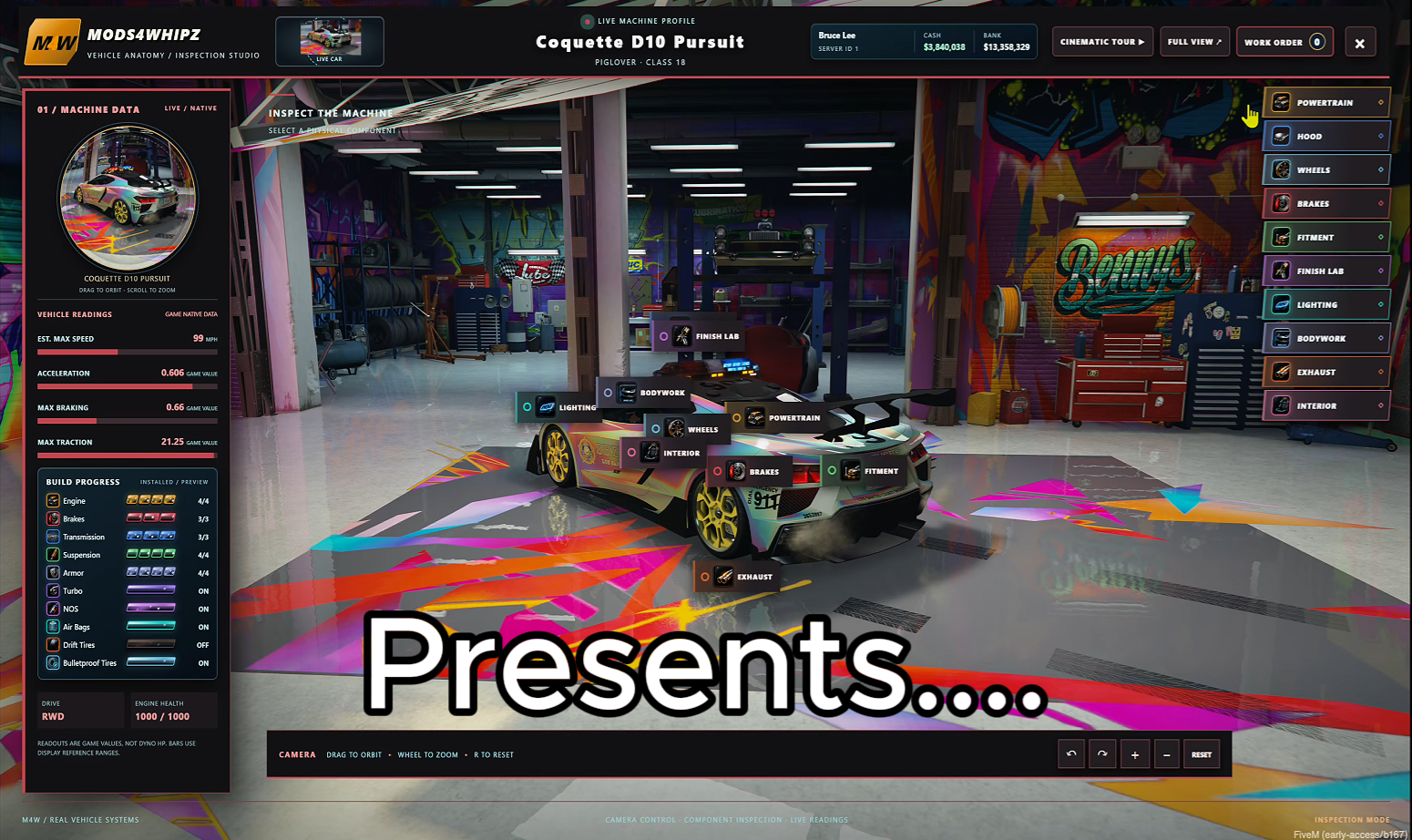
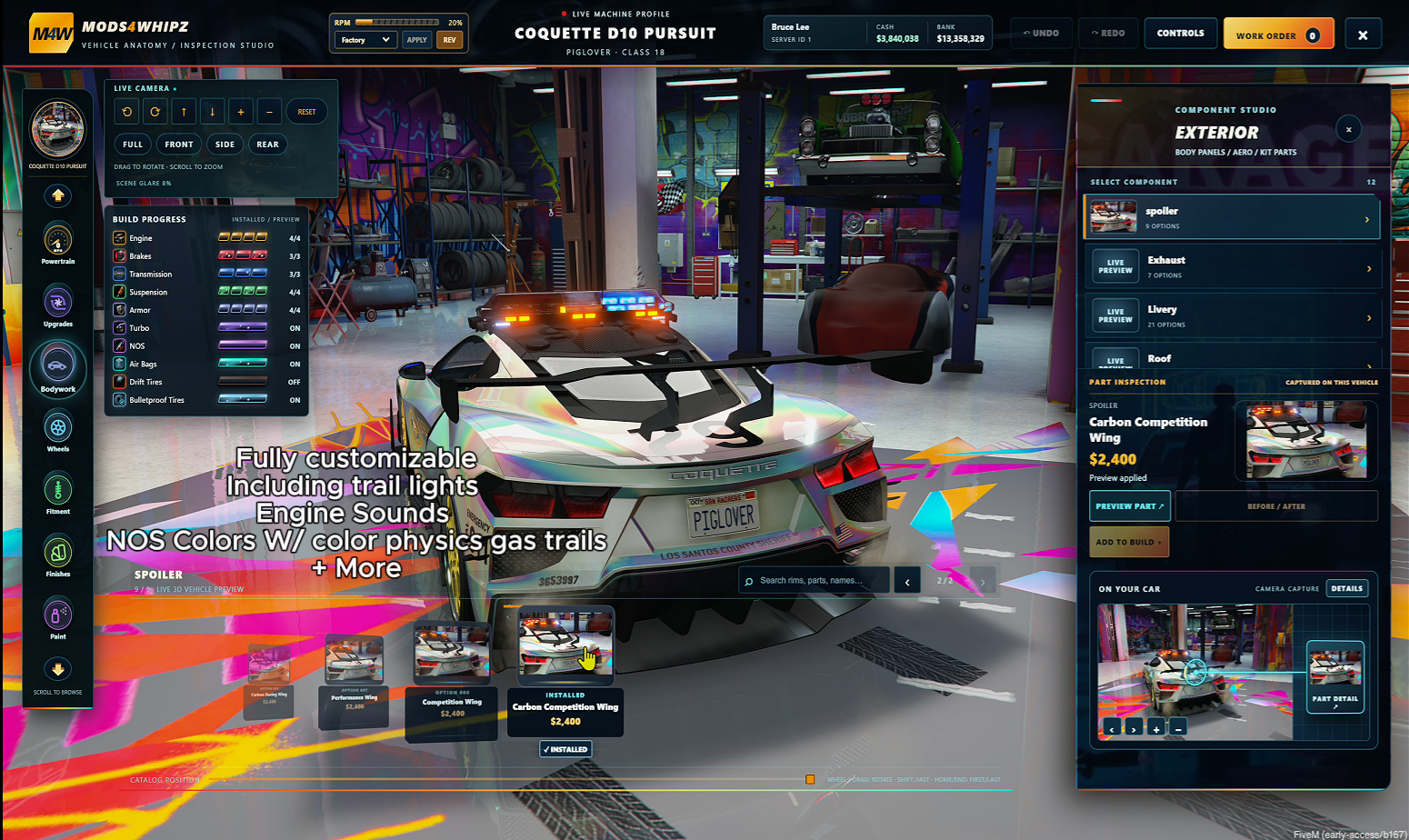
**Full Editable Source | FiveM sent to your email. **
YouTube Preview: Click Here
Take vehicle customization beyond a traditional modification menu.
RS Mods4Whipz delivers an interactive workshop experience with real vehicle previews, cinematic camera movement, selectable parts, extensive tuning options, and a complete work-order system.
Vehicle Customization
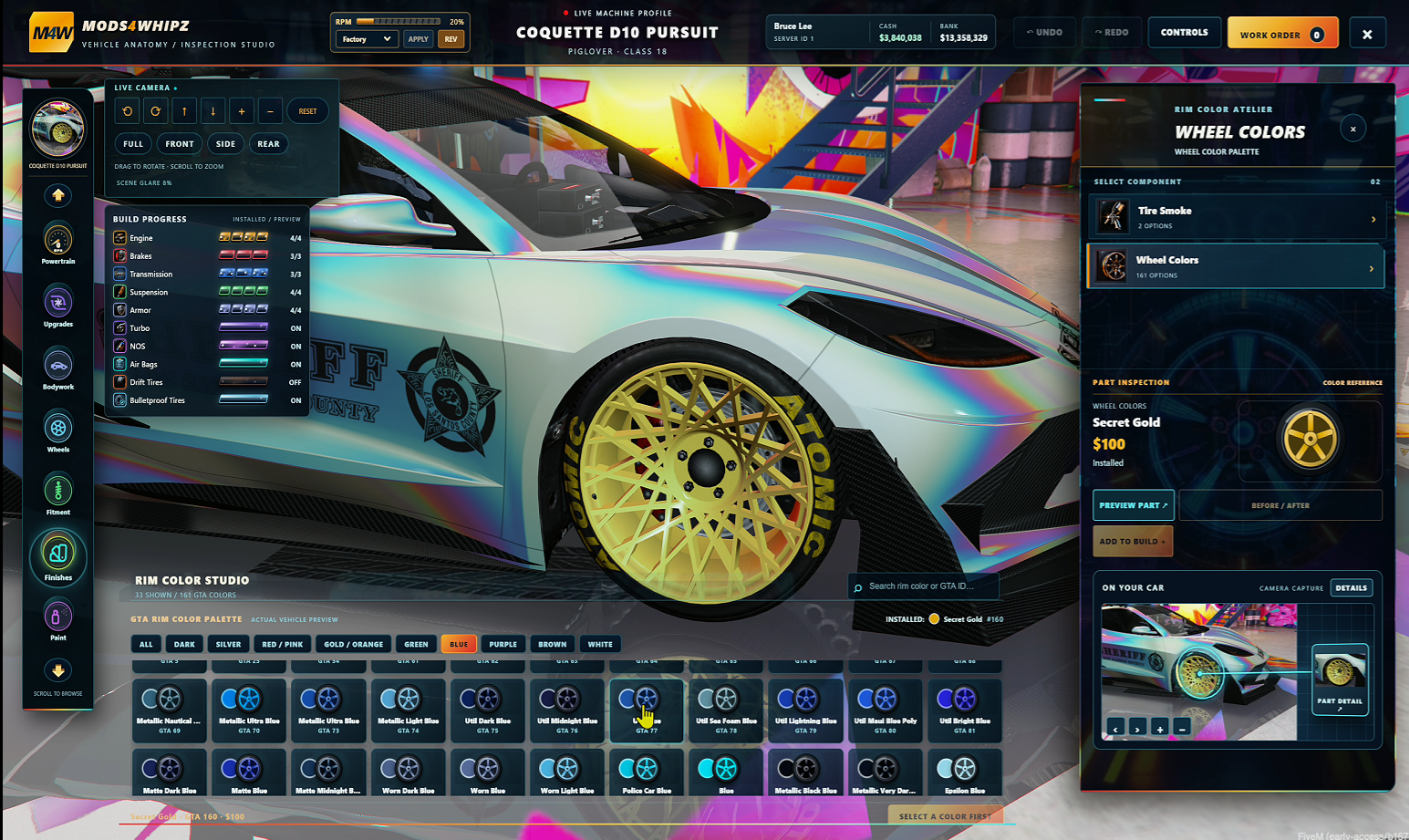
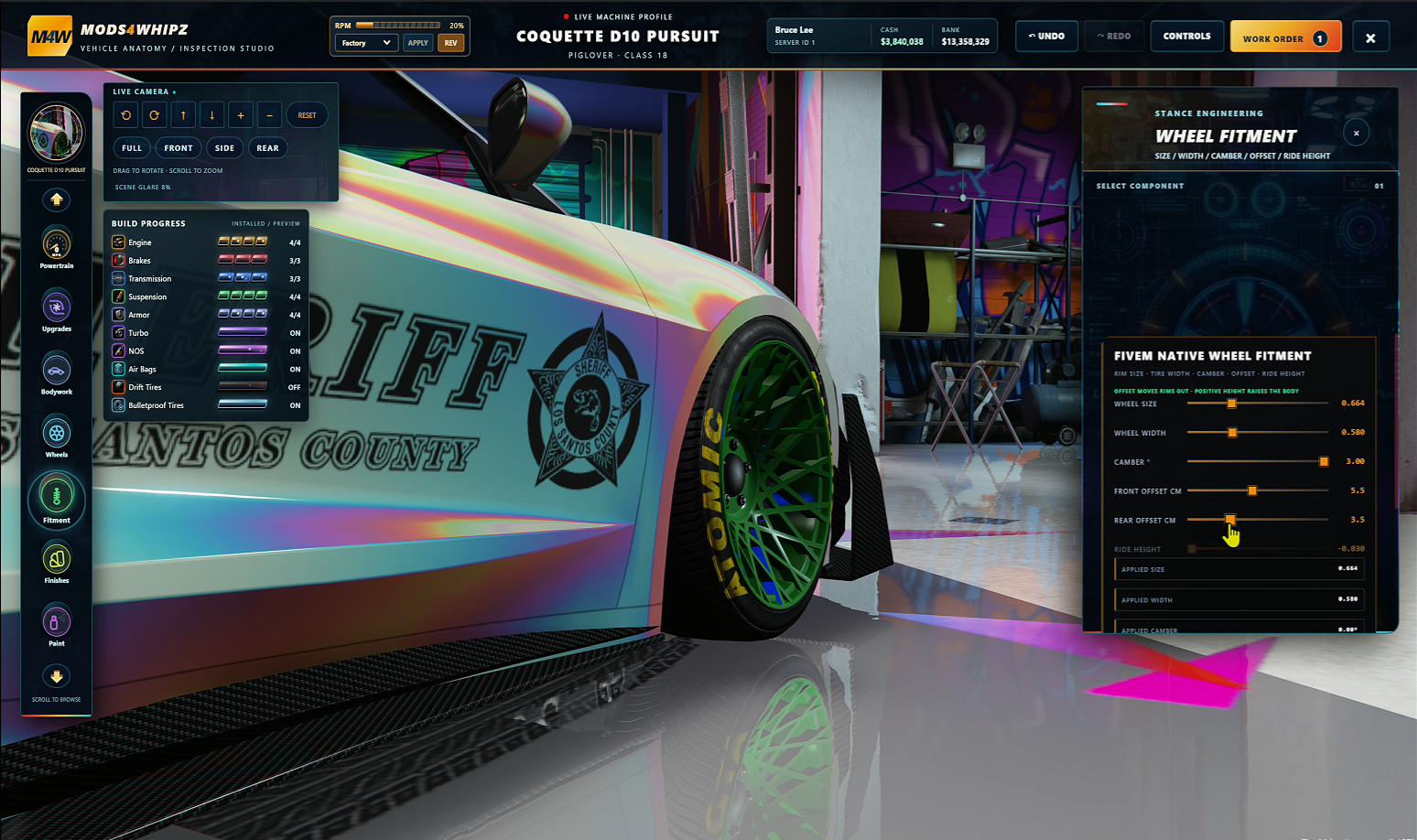
Customize supported performance upgrades, wheels, wheel colors, paint finishes, body parts, interior components, lighting, suspension, and vehicle stance.
Preview modifications on the actual GTA V vehicle before purchasing. Browse the visual parts catalog, inspect components, and compare supported upgrades.
Special Performance Features
Includes configurable nitrous upgrades with selectable flame colors, drift tires, bulletproof tires, and additional vehicle products. Optional third-party integrations unlock further capabilities when installed.
Mechanic Business Management
Create configurable workshops with ownership, stock control, pricing adjustments, business balances, and shop-management tools.
Purchase and Persistence
A complete work-order system supports modification previews, cart management, cash or bank checkout, server-side validation, and supported owned-vehicle persistence.
Compatibility
Designed for Qbox, QBCore, and ESX with oxmysql. Optional integrations support compatible garage, vehicle-key, fuel, inventory, and notification systems.
Custom Engine Sounds and Interactive RPM Rev
RS Mods4Whipz includes a built-in Engine Sound Customization System, allowing players to change their vehicle’s engine audio and test it directly from the workshop interface.
Features
Custom Engine Sounds: Change the engine’s sound without replacing the actual engine.
Three Sound Presets: Turbo Tuner, Muscle V8, and Rally.
Factory Sound: Restore the vehicle’s original engine audio.
Interactive RPM Display: Monitor engine RPM through the workshop interface.
REV Button: Rev the engine while parked to hear the installed sound.
Persistent Sounds: Installed sounds are saved to supported owned vehicles.
Multiplayer Support: Engine audio changes are applied through synchronized vehicle state.
Player Instructions
Drive your owned vehicle into an RS Mods4Whipz workshop.
Park and remain in the driver’s seat.
Open the customization interface.
Locate the Engine Sound selector near the RPM display.
Choose Turbo Tuner, Muscle V8, Rally, or Factory.
Click APPLY to install the selected sound.
Press REV to hear your engine.
To restore the original sound, select Factory and click APPLY.
Server Owner Instructions
Configuration File: Customize.lua
Locate Customize.EngineSounds to manage the available presets.
Default sound configuration:
EngineSounds = {
    { Key = 'turbo', Label = 'Turbo Tuner', Audio = 'sultanrs' },
    { Key = 'muscle', Label = 'Muscle V8', Audio = 'dominator' },
    { Key = 'rally', Label = 'Rally', Audio = 'omnis' },
},
Server owners can:
Add or remove engine sound presets.
Change preset names displayed to players.
Assign supported GTA V engine audio names.
Integrate additional engine sounds when compatible GTA audio packs are installed.
Compatibility Notes
The current engine-sound installation and persistence system requires Qbox with
qbx_vehiclesand a verified owned vehicle.Engine sound changes are stored against the vehicle’s persistent ID.
Additional custom engine audio requires compatible audio assets loaded on the server.
Engine sound customization changes the audio, not the vehicle’s performance specifications.
Installation and compatibility
Required: FiveM, oxmysql, and one supported framework (Qbox, QBCore, or ESX).
Additional integrations are configurable. Certain optional upgrade products require their corresponding resources.
The ZIP includes installation instructions and an SQL database installer.
Legacy and Enhanced clients should be tested on your selected server build.
Important information
Vehicle modifications depend on the options supported by each GTA V vehicle.
Not every modification, wheel, or visual component will be available on every vehicle. External wheel model packs are not included.
Dynamic Taillight Trails and NOS Gas Effects
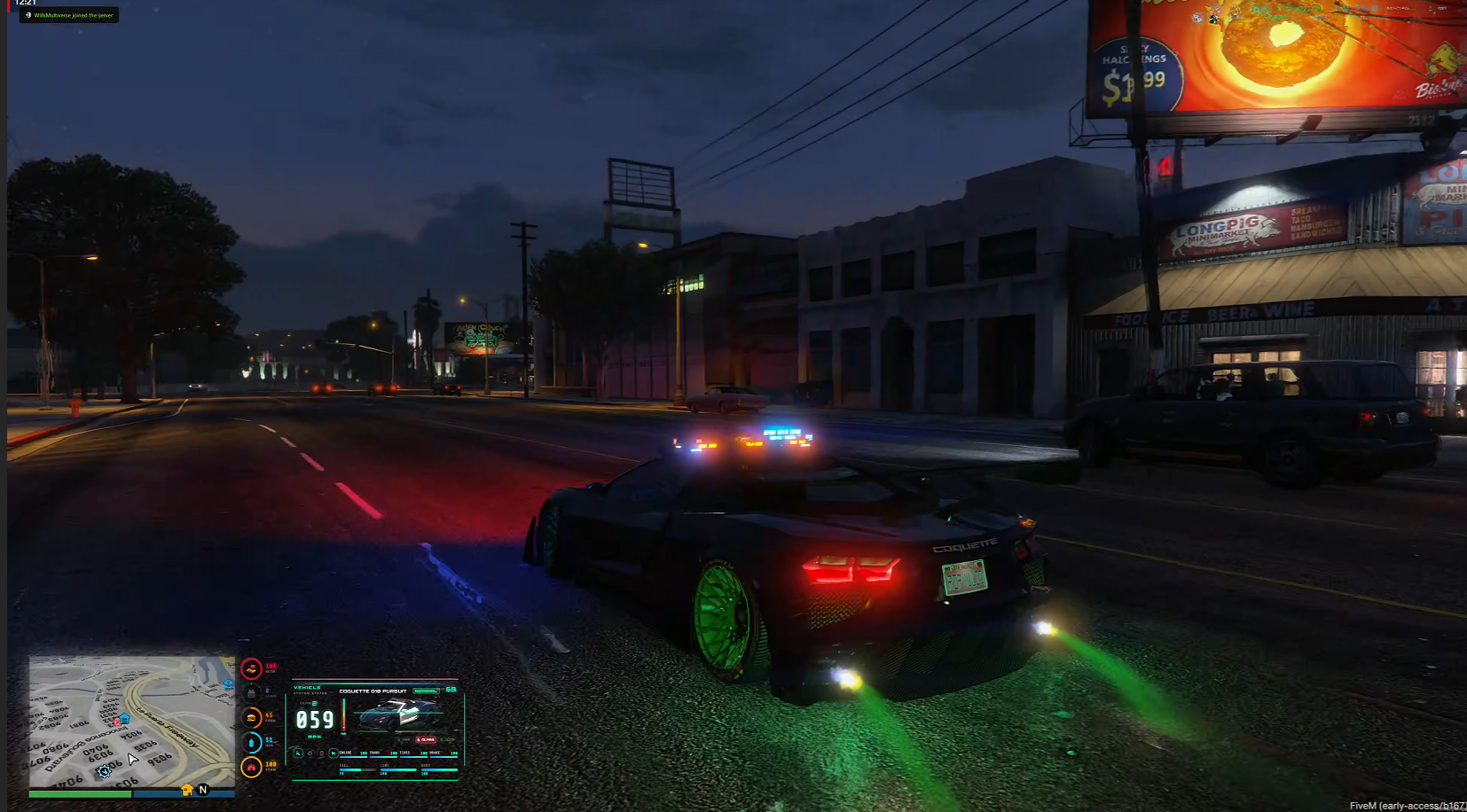
RS Mods4Whipz includes built-in dynamic taillight trails and customizable NOS effects, adding realistic lighting, colored exhaust flames, and vapor trails to your driving experience.
Features
Dynamic Taillight Trails: Glowing red light streaks behind moving vehicles.
Custom NOS Flames: Multiple selectable flame colors.
Gas and Vapor Trails: Exhaust flames, glowing effects, and vapor during NOS activation.
Multiplayer Synchronization: Nearby players can see your nitrous effects.
Configurable Effects: Server owners can customize the visual effects.
Configuration File: Customize.lua
Taillight Trails
Open
Customize.luain the resource folder.Locate the taillight trail settings.
Adjust supported options such as trail length, color, and intensity.
Save your changes and restart
rs-mods4whipz.
NOS Effects
Open
Customize.lua.Locate the nitrous configuration.
Adjust NOS power, duration, cooldown, and supported visual settings.
Configure available flame colors and exhaust effects.
Save your changes and restart the resource.
Important Notes
Both systems are included in RS Mods4Whipz.
No separate visual-effects script is required.
Effects may vary depending on vehicle models and exhaust locations.
Default NOS activation uses Left Shift + Accelerate.
Test configuration changes in-game before deploying to your live server.
What's Included
Full editable Lua, JavaScript, HTML, CSS, SQL installation file, configuration, installation guide, and local interface assets.
Important: Vehicle customization availability varies by GTA V vehicle. Exact individual part photos and third-party add-on wheel models are not supplied. Some optional features require additional resources. Live compatibility must be verified against your selected FiveM build.
License: Commercial full-source license for use on the licensed server. Redistribution or resale of the source is not permitted.
Created by RealitySucksRP — Reality Sucks Scripts